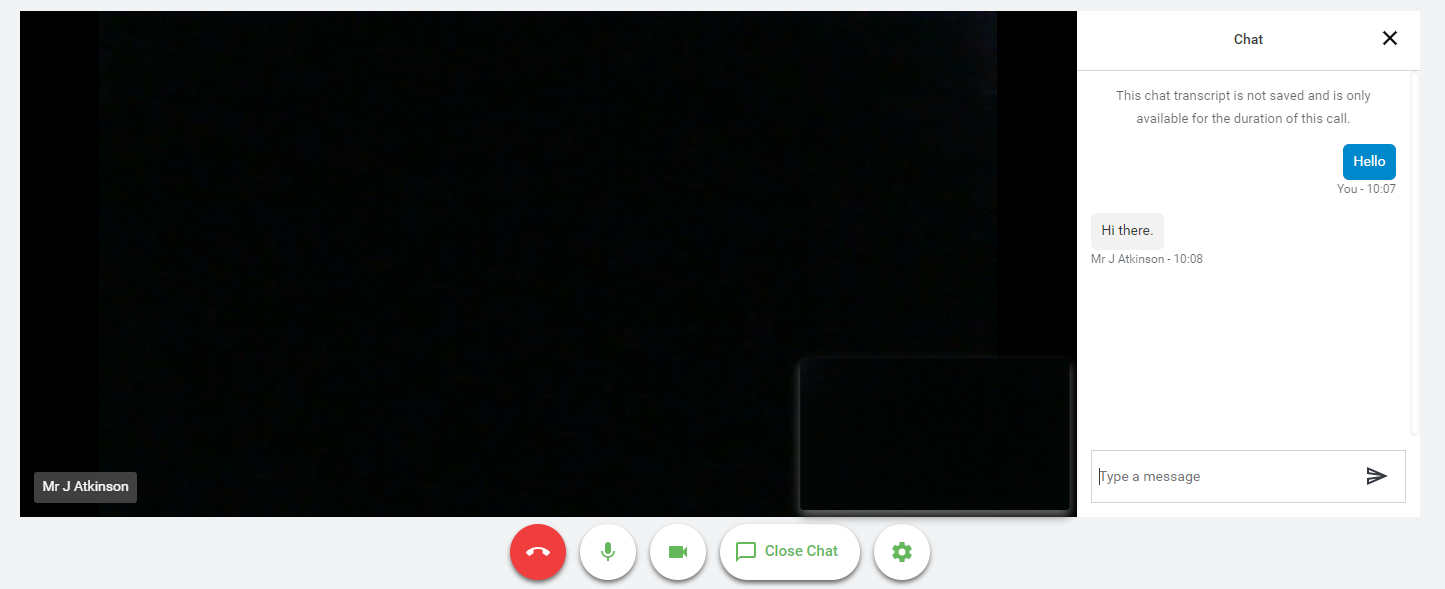
When in a video call you can open a text chat window for that appointment allowing messages to be sent between attendees of the call if required.
Once the call has been joined the Open Chat option will show under the video window. Clicking this will open a chat window to the right of the video window and clicking Close Chat will hide it again.
 If a message is sent, but you have not yet opened the chat window, a notification will appear.
Was this article helpful?
That’s Great!
Thank you for your feedback
Sorry! We couldn't be helpful
Thank you for your feedback
Feedback sent
We appreciate your effort and will try to fix the article