If wished, you can allow parents to send feedback on their experience of using your Tes Parents' Meetings system.
How to enable parent feedback
In Settings > School Settings tick the Feedback Enabled box and enter the email address you wish the feedback to be sent to. Then click Save at the foot of the page.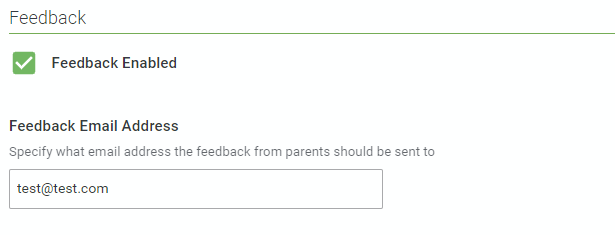 Once enabled, when your parents are logged in they will see a Send Feedback link on the left-hand side of their home page.
 On clicking it they see this: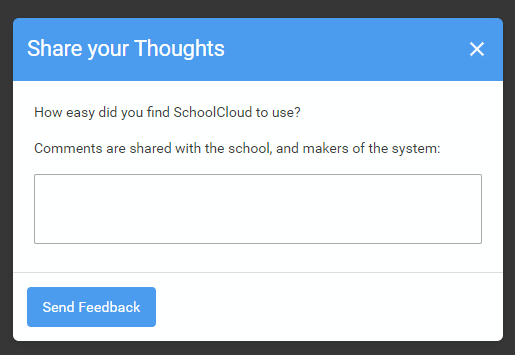
Anything the parent decides to enter will be sent to the address you specified as well as to ourselves.
Was this article helpful?
That’s Great!
Thank you for your feedback
Sorry! We couldn't be helpful
Thank you for your feedback
Feedback sent
We appreciate your effort and will try to fix the article