Setting a travel gap between a parent's appointments
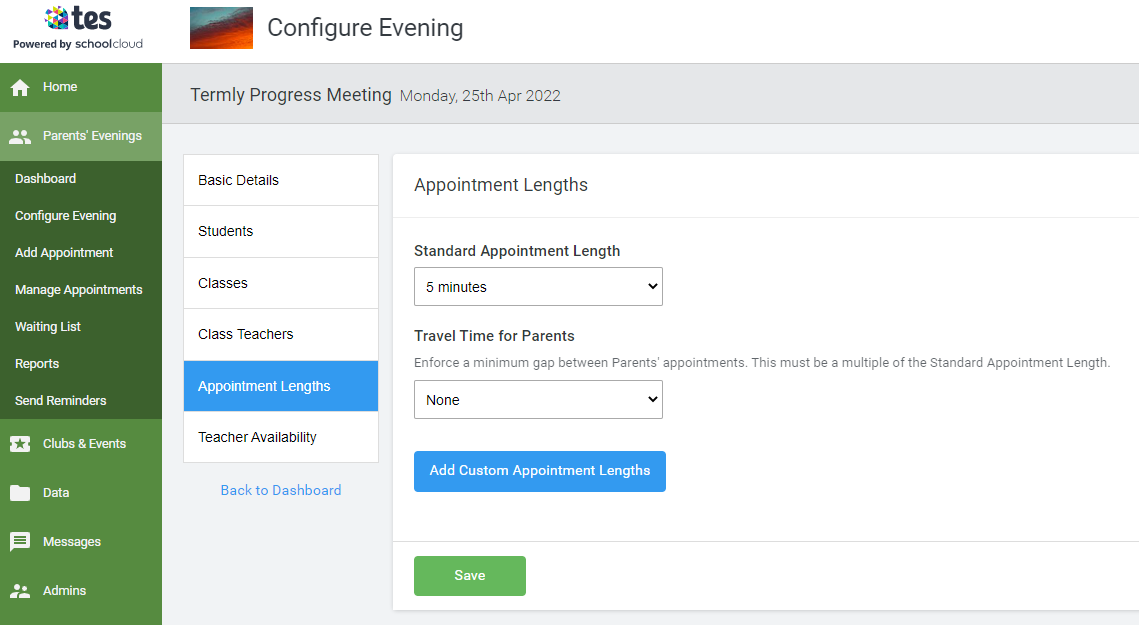
- Go into the evening in question, then select Configure Evening > Appointment Lengths.
 If your evening is set up as a Hybrid Evening, where you have some blocks of time set up as video calls and others as in-person, select In-Person under Appointment Lengths where you can set the travel time.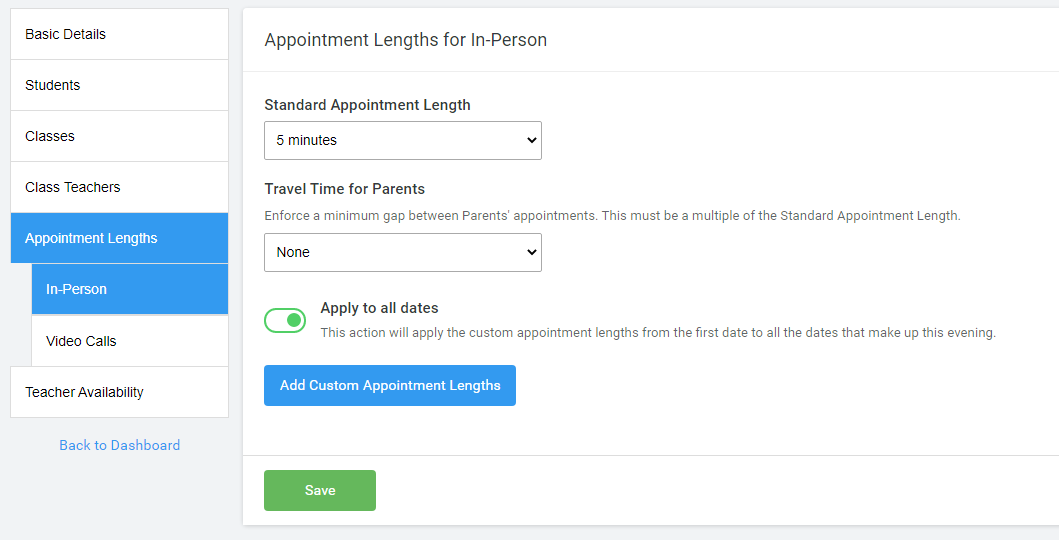
- When an evening is being held in person you can set the Standard Appointment Length here, as well as specify if there should be Travel Time for Parents enforced between the appointments of a parent.
Note: setting travel time does not create a gap between the appointments of teachers. This can be set as a multiple of the Standard Appointment Length using the drop-down box. e.g. if you require a travel time of 8 minutes, you will need to set the Standard Appointment Length to 2, 4 or 8 minutes.
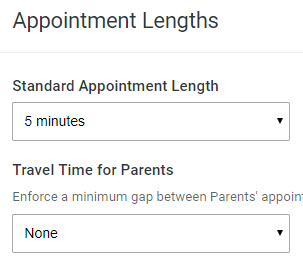 Once you have made your choice, click Save.
Was this article helpful?
That’s Great!
Thank you for your feedback
Sorry! We couldn't be helpful
Thank you for your feedback
Feedback sent
We appreciate your effort and will try to fix the article