To set what parents see on their login page go to Settings > Login Settings.
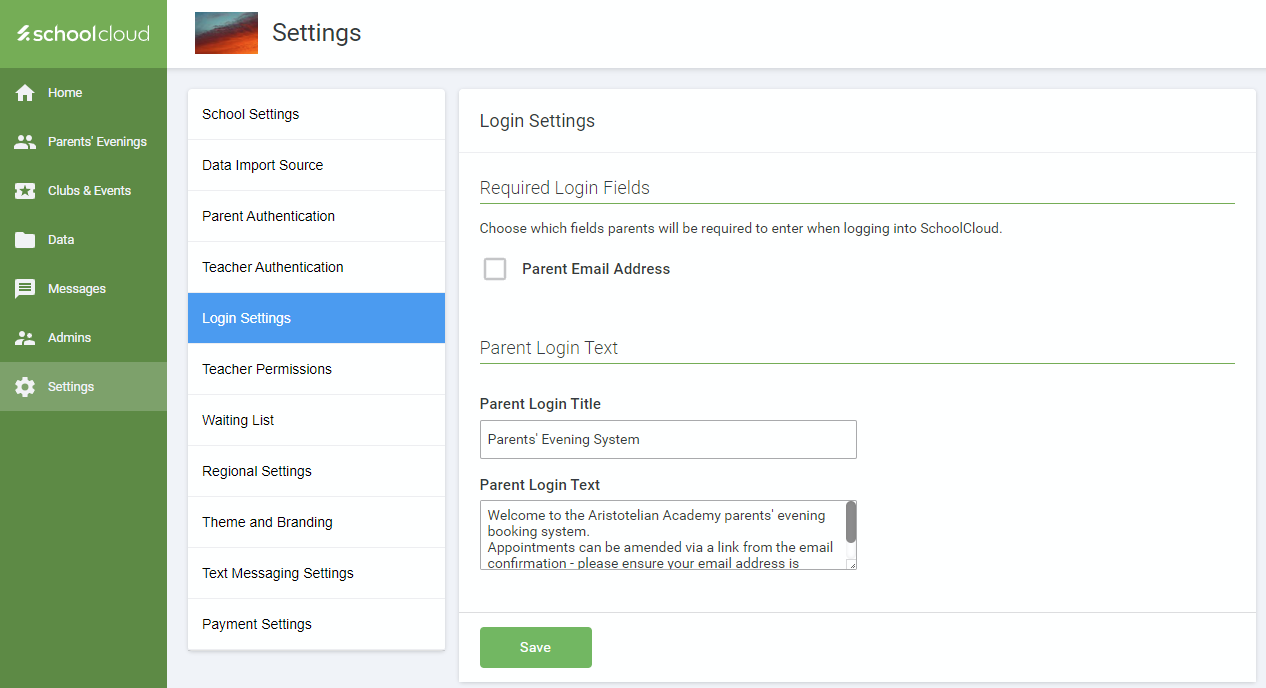 The Parent Login Text section allows you to update the title that appears on the Parent Login screen. The default is "Parents' Evening System" but feel free to change this. You can also update the default text that appears under the title.
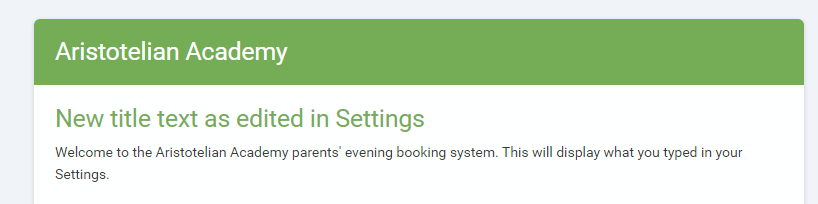
Once you have made your changes and clicked Save you can check how the details will appear to parents by clicking Sign Out at the bottom of the navigation bar.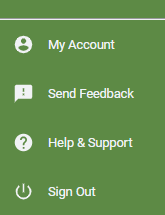
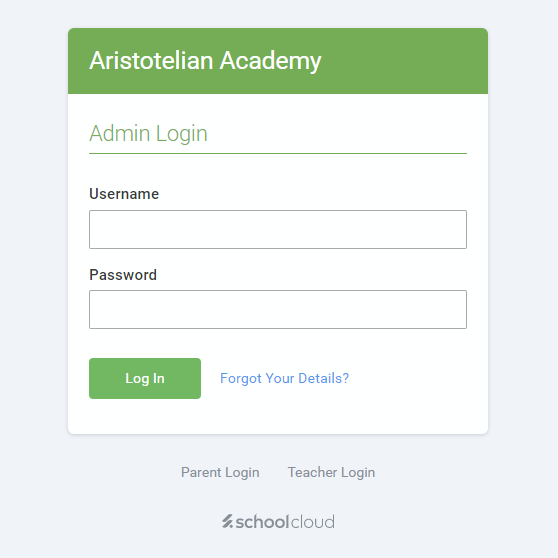
Then go to the Parent Login, linked under your admin login.
On the same page you can also make entering an email address mandatory for parents.
Was this article helpful?
That’s Great!
Thank you for your feedback
Sorry! We couldn't be helpful
Thank you for your feedback
Feedback sent
We appreciate your effort and will try to fix the article